
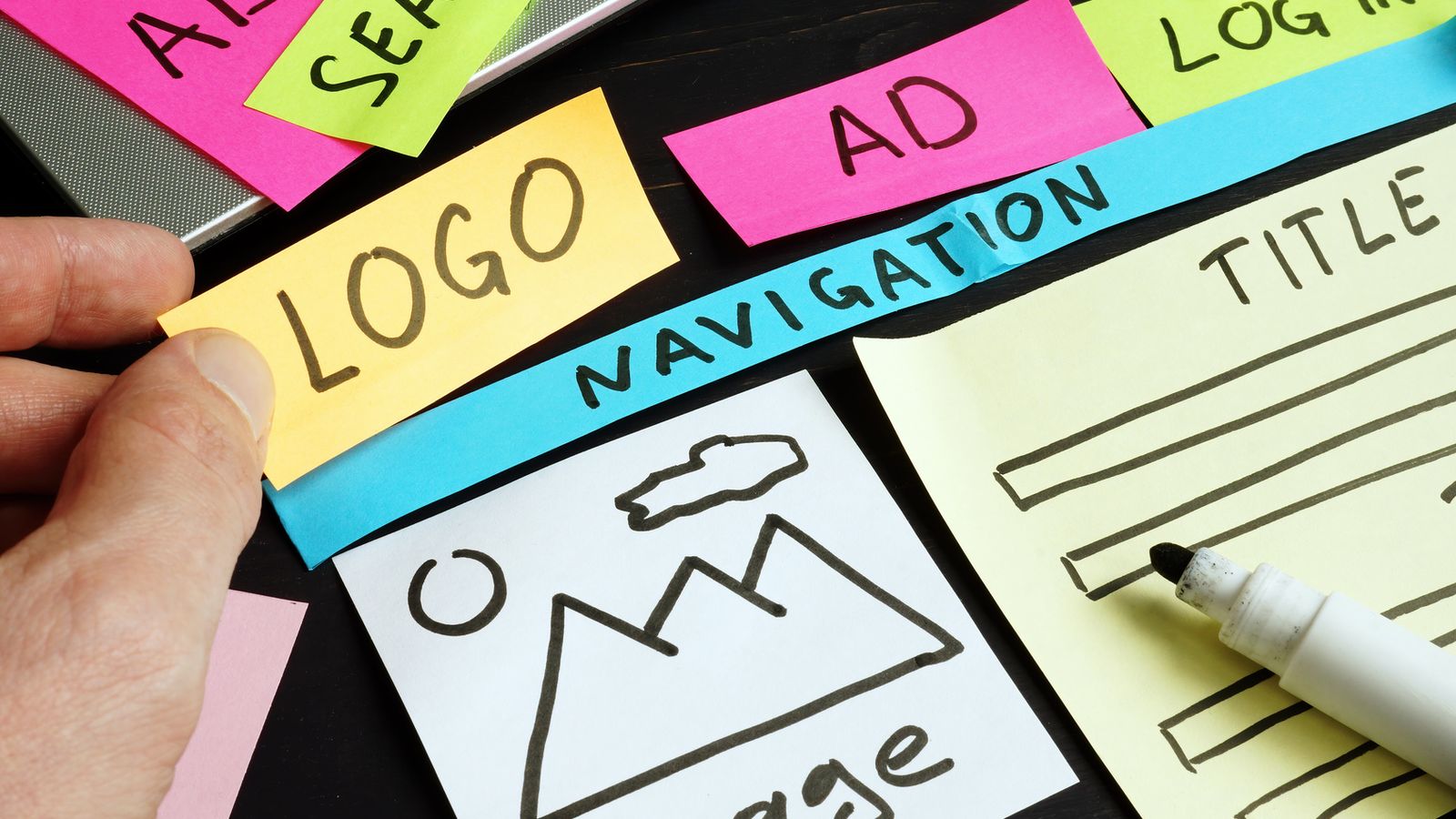
The short answer: every page should have one clear main heading (an H1) that says what the page is about, followed by smaller subheadings (H2, H3) that break the page into sections, like an outline. Headings help screen reader users get around, and they help Google and AI tools like ChatGPT understand what your page covers. Fixing them usually doesn’t change how your site looks at all.
In our review of more than 100 local business websites, 15 of the 28 sites we flagged had heading problems. Some had no H1 at all. Others had several: 2, 4, 6, and on one restaurant’s home page, 18 separate main headings.
What headings are
When you look at a page, you see big bold text and smaller bold text. In the page’s code, those are marked as headings, from H1 (most important) down to H6. Think of it like a book:
- H1 is the title of the book. One per page.
- H2s are the chapters.
- H3s are sections inside a chapter.
The problem is that website builders make it easy to pick a heading level based on how big the text looks, not what it means. So a phone number gets marked as an H1 because someone wanted it big, or a “Schedule your free consultation” banner becomes the page’s main heading.
Why headings matter for accessibility
Screen reader users often jump from heading to heading to scan a page, the same way you skim bold text. If there’s no H1, they don’t know where the main content starts. If there are 18, they can’t tell which one matters. The W3C’s accessibility guidance recommends headings that reflect the page’s real structure, in order.
Why headings matter for Google and AI search
To be fair, Google has said its systems can handle pages with more than one H1, and you won’t be penalized for it. But headings are still one of the clearest clues about what a page covers. AI tools that summarize and recommend businesses, like ChatGPT, Perplexity and Google’s AI answers, pull from well-organized pages more easily. A page with a clear H1 like “Physical Therapy for Kids in Oakland County” and sections for services, ages served and insurance is much easier to understand than one where the biggest text is “Call Today!”
How to set up headings on your home page
- Make your H1 describe the business. “Custom Jewelry Design and Repair in Oakland County” beats “Welcome!” It can be styled however you like.
- Use H2s for each main section: Services, About us, Areas we serve, Reviews, Contact.
- Use H3s under an H2 when a section has its own parts, like individual services.
- Don’t skip levels for looks. If you want smaller text, change the font size, not the heading level.
- Taglines and phone numbers usually shouldn’t be headings. Style them as regular bold text.
How to check your headings
You can’t always tell by looking. A few easy ways to check:
- Install a free browser extension like “HeadingsMap” or WAVE, which lists every heading on the page.
- In WordPress with Elementor, click a heading widget and check the “HTML Tag” setting.
- In Wix or Squarespace, check the text style, which is labeled Heading 1, Heading 2 and so on.
Our free AI Search Readiness Score also checks your home page headings along with other signals AI tools look for.
Want a second set of eyes on your site? Run it through our free ADA website checker or AI Search Readiness Score, or send us your web address and we’ll tell you what we see. No pressure and no jargon.
Frequently asked questions
Can a page have more than one H1?
Google says it can handle it, but one clear H1 per page is still the best practice for accessibility and clarity.
Does changing heading levels change how my site looks?
Not necessarily. Heading level and visual size are separate. You can keep the same look and just change the tag behind it.
Should my logo be the H1?
Usually no. The H1 should describe what the page is about. Your logo is better as an image with alt text.